

¿Qué son las áreas de planos?
Respuesta
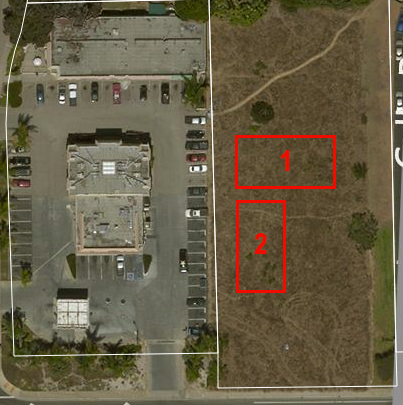 When uploading drawings for a project with multiple buildings, you might find that many drawings are labeled with the same number (for example, A1). To prevent confusion, you can create different drawing areas, where each building can have its own separate section within the project's Drawings tool. The ability to create separate drawing areas within a project makes it easier to navigate within the Drawings tool to find the correct drawings, even when there are multiple drawings with the same title or number. When the Drawing Areas feature is enabled and configured for a project, you can click into the designated drawing area to see drawings associated only with that building.
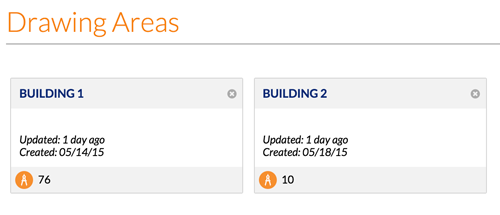
Cuando haya configurado varias áreas en la herramienta Planos, se verán de forma similar a la del ejemplo que mostramos a continuación.
Consulte también
 .
.