Ver cantidades en una hoja de horas (iOS)
Contexto
Las cantidades de producción son una cantidad medible de trabajo en un proyecto de construcción. Por ejemplo, yardas cúbicas de hormigón, número de artefactos de iluminación o pies lineales de tubería. En Procore, hay dos tipos de cantidades de producción:
-
Las cantidades de producción presupuestadas hacen referencia a la cantidad cuantificable que un equipo planea instalar en un proyecto.
-
Las cantidades de producción instaladas hacen referencia a la cantidad real instalada en un proyecto en un momento dado.
Una vez que las cantidades de producción instaladas se han introducido en una hoja de horas, se puede realizar su seguimiento con respecto a las cantidades de producción presupuestadas importadas mediante el Informe de cantidad de producción.
Temas a considerar
-
Para los clientes que utilizan Finanzas del proyecto de Procore, tiene la opción de permitir que las cantidades introducidas en una hoja de horas interactúen con la vista de presupuesto "Coste de productividad de mano de obra de Procore". Para más información, consulte Configurar vista de presupuesto de coste de productividad de mano de obra de Procore.
-
Si los subproyectos están habilitados en su proyecto, el subproyecto asociado con la entrada "Unidades instaladas" aparecerá cuando añada cantidades. Consulte Habilitar subproyectos en proyectos para EDT.
-
Este activo/elemento se puede ver o editar en modo sin conexión siempre que el activo/elemento se haya visto y almacenado en caché en un dispositivo móvil.
Requisitos
Pasos
-
Vaya a la herramienta Hojas de horas del proyecto utilizando la aplicación Procore en un dispositivo móvil iOS.
-
Pulse la hoja de horas que contenga la cantidad que desee ver.
-
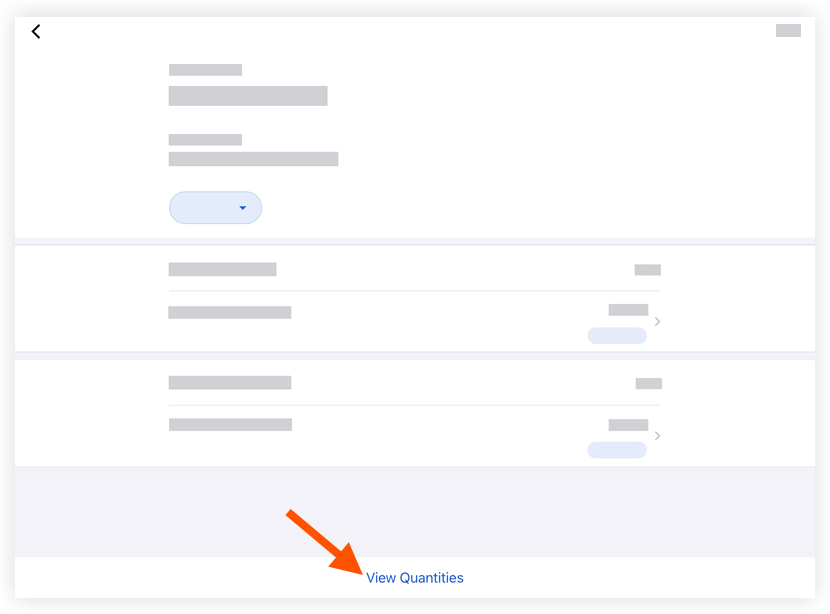
Pulse Ver cantidades.